Invoices with QR code — straight from the reports
What your team reports becomes a time-and-materials invoice for the client: hours and materials carried over, as a PDF with QR payment part — sent from your own mail program.
From report to payment in three steps
Choose the site
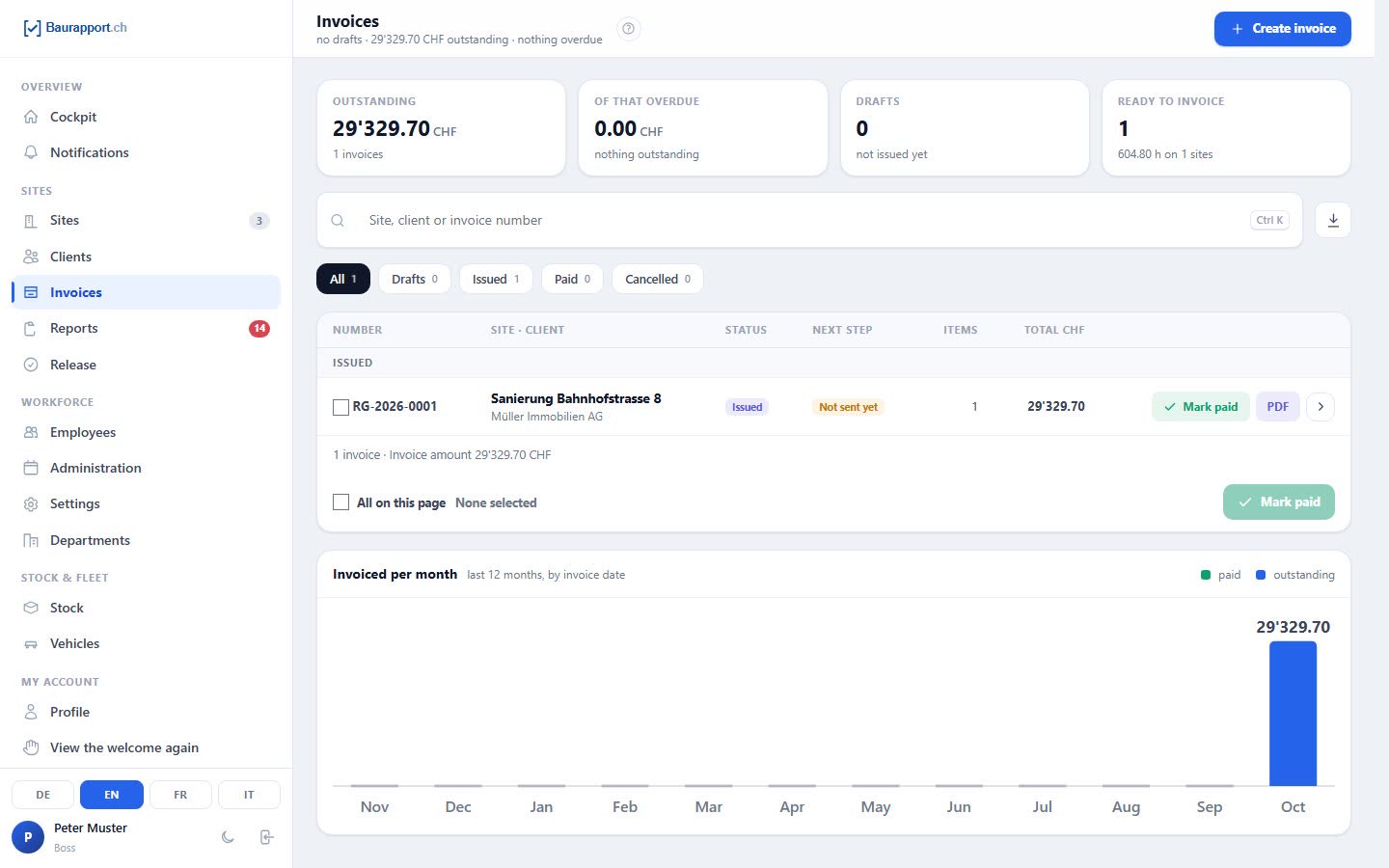
Baurapport shows for each site how many hours have not yet been invoiced. Choose the site and period — the draft takes over work, travel time, kilometres and materials.
Check and issue
Add prices, change lines or write your own, look at the preview. When issued, the invoice gets its number and can no longer be changed afterwards.
Send and record payment
The finished email with the PDF opens in your mail program. You record payments in Baurapport, in instalments too — you see immediately what is overdue.
No hour retyped, none billed twice
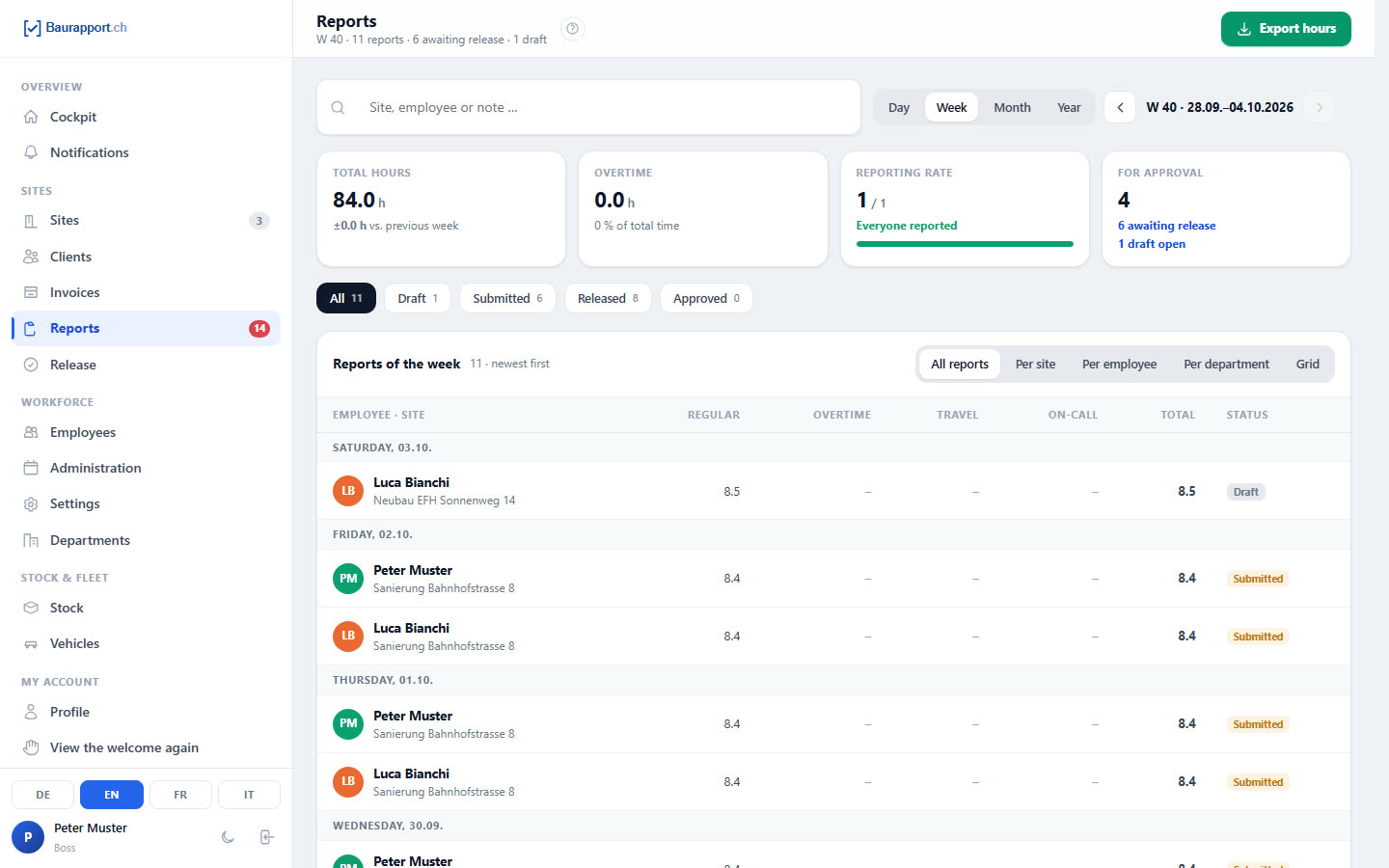
The basis is the submitted reports of a site — if you approve reports, only the approved ones. Anything already on an invoice does not go on a second one.
-
Hours by type
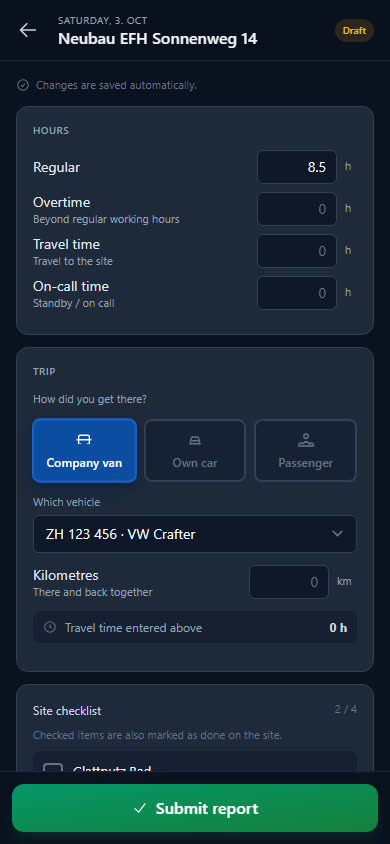
Regular hours and overtime as working hours on one line, travel time and on-call each on a line of their own. You decide whether and at what rate travel time is charged.
-
Kilometres to the site
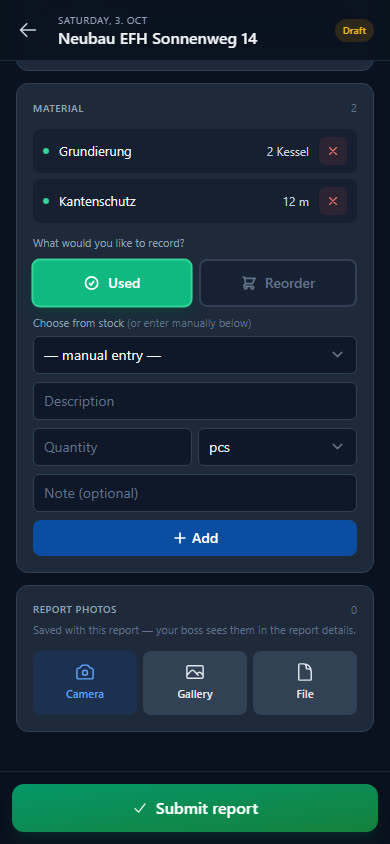
If you record the trip in the report, the kilometres are added as a separate line, at your business's rate. Anyone who rode along is not counted twice.
-
Materials priced from stock
Used materials come with the quantity and the sales price of the stock item. If a price is missing, Baurapport holds back the invoice — the line is marked.
-
What is still open
For each site you see the uninvoiced hours and how many reports have not yet been released. You invoice ongoing sites in stages.
Billing time-and-materials work
Time and materials means: hours times rate, plus materials. For this, the site gets the order type «Hourly rate» — its reports become the time-and-materials invoice, with an annex for the client if you wish.
-
One rate per site
It applies to work and on-call, but only with the order type «Hourly rate». With «By time spent» or «Flat rate» the line stays without a price — the draft tells you why.
-
Report annex
The same PDF shows on which day work was done for how long and which materials were used — without prices. Employees appear as a number, as initials or by name.
-
Work description per day
One sentence per day for the client, written by you. The internal note from the report is not included.
-
Your own lines for the rest
You add machine hours, small materials or a lump sum as a free item, with discounts per line or on the total included. Baurapport has no rates per person.
Until the money is in your account
Once issued, the invoice is a document: number assigned, amounts and address fixed. From then on, Baurapport follows it until payment arrives.
-
Swiss QR-bill as PDF
With logo, VAT and rounding to 5 centimes, the payment part on the last page — in German, French, Italian or English, depending on your language setting.
-
Sent from your mail program
One click opens the finished email to the client with the PDF, on the phone via «Share». It is sent from your address — Baurapport itself sends nothing.
-
Payments and reminder levels
You can also record payments in instalments; the payment part then shows the remaining amount. After the deadline, the payment reminder, first formal reminder and final reminder follow as ready-made emails.
-
List for the accountant
The invoices of a period as Excel or CSV, by invoice date or payment date. There is no interface to accounting software.
What businesses want to know first
Do I need a QR-IBAN?
No, an ordinary Swiss or Liechtenstein IBAN is enough; with a QR-IBAN you get a QR reference, otherwise a Creditor Reference. Without an IBAN and company address, Baurapport does not issue an invoice and tells you what is missing.
Does Baurapport send the invoice?
No. Baurapport builds the finished email with the PDF; you send it from your mail program — from your address, and the reply comes back to you. Afterwards you note with one click that it has gone out.
Can I use several VAT rates on one invoice?
No, one rate applies per invoice; the default is 8.1 %. If you are not liable for VAT, you set this in the company details — the invoice then shows no VAT and carries the corresponding note.
Can I write quotes as well?
No, Baurapport writes invoices — no quotes and no credit notes. If an issued invoice is wrong, you cancel it with a reason and issue a new one; its reports become available again.
Does the client sign the time-and-materials report in the app?
No, there is no signature in the app; the reports can go along as an annex if you wish. For a signature on paper there is the free time-and-materials report template, and more in the guide Billing time-and-materials work.
Is invoicing included in every plan?
Yes, all plans include all features; the prices depend on the number of users. For new businesses the area is switched on; existing ones switch it on in the permissions. The boss and back office may write invoices.
Ready to go digital?
Try it free for 14 days — with your own team and your own sites. Then you decide.